On a plane. On a bus with no signal. In a kitchen with no Wi-Fi.
Point your phone at a sign, a letter, a label on a medicine bottle, or a page of a book. The free version works fully on your phone — meant to be enough for everyday reading on its own.
Aim and snap
Point the camera at any printed text — a sign, a letter, a label, a page.
We read the page
The app recognises the words right on your phone — no internet needed.
You listen
It reads it back. Free. Offline. With no subscription needed.
What the free app does
Offline · Private · No subscription
Read anything aloud
Aim the camera at any printed text — sign, letter, label, page — and the app reads it back.
Build a book, one page at a time
Snap a page, then another. The app keeps them in order so you can pick up where you left off.
Translate offline, between 31 languages
Capture a page in one language and have it read in another. A letter from abroad, brought back in your own language. A menu in a country you're visiting, read in the language you think in.
Curated offline voices
Download a nicer voice for your language (about 30 to 60 MB, once). Sounds far less robotic than the phone's default — and the phone's built-in voice still works too.
Cover detection
Start a new book and the app tightens up the cover photo so it looks like a proper book on your shelf.
Auto-rotation and page cropping
Hold the phone any which way — the app straightens the page and trims the edges, even when hands aren't steady.
Each works offline, forever, with no subscription. About 30 MB per translation language pair, and 30 to 60 MB per curated voice. Downloaded once and kept.
An honest note about the free app
Everything in the free app runs on your phone. That keeps it free, private, and able to work anywhere — but the voices and translations are small enough to fit on a phone.
They're good enough for everyday reading. Now and then a name will be mispronounced or a line of poetry won't quite land. When you want the absolute best quality, Premium does it differently.
Substantially better with Premium.
Premium uses the latest online narration and translation. The voices sound like real people, the pacing matches the kind of page being read, and the translation handles idioms, names, and tone far more gracefully.
Premium credits are only used while we narrate your book online for the first time. Once it's narrated, the result lives on your phone — you can listen again whenever you like, offline, without spending more credits. And you can share that narrated version with friends and family, who can enjoy your Premium narration without needing a subscription themselves.
Eight things Premium does that free can't.
Natural narration
Online voices that sound like a human narrator, not a machine. Several voices to choose from, male and female.
Needs Premium because the voices are too large to fit on a phone.Adaptive reading style — prose or poetry
The app recognises whether a page is everyday writing or a poem and changes its pacing: room-to-breathe line breaks for poetry, conversational flow for novels.
Needs Premium because the recognition runs online.Character actors for stories
In a novel with several characters, Premium gives the narrator one voice and each recurring character their own — closer to an audiobook than a single voice.
Needs Premium because each voice is a full online narrator.Chapter detection
Premium spots chapter breaks across the pages you've captured, so you can jump straight to "Chapter 4."
Needs Premium because chapter detection runs online.Audiobook-style controls
Audio keeps playing when the phone locks. Play, pause, and skip 10 seconds from the lock screen. One page ends, the next begins on its own. Speed adjusts from 0.75× to 1.5× without squeak.
Needs Premium because the narration is prepared online so it can play smoothly in the background.Sharing a book with family
A Premium book can be shared as a bundle. Friends and family hear the same narration you paid for, without needing their own subscription.
Free books can't be shared — the on-phone narration is generated live each time you read, so there's no audio file to send.Premium translation
Latest-generation online translation that handles idioms, proper nouns, and tone noticeably better than the on-phone translator.
Needs Premium because the translation runs online.Cover suggestion
Premium can suggest a book title from a photo of the cover, so adding a new book takes one step instead of two. (The free app reads text on the cover but doesn't pick a title.)
Needs Premium because the suggestion runs online.Designed for people, not power users.
Big type. Plain words. No accounts. No menus to hunt through.

Home

Reader
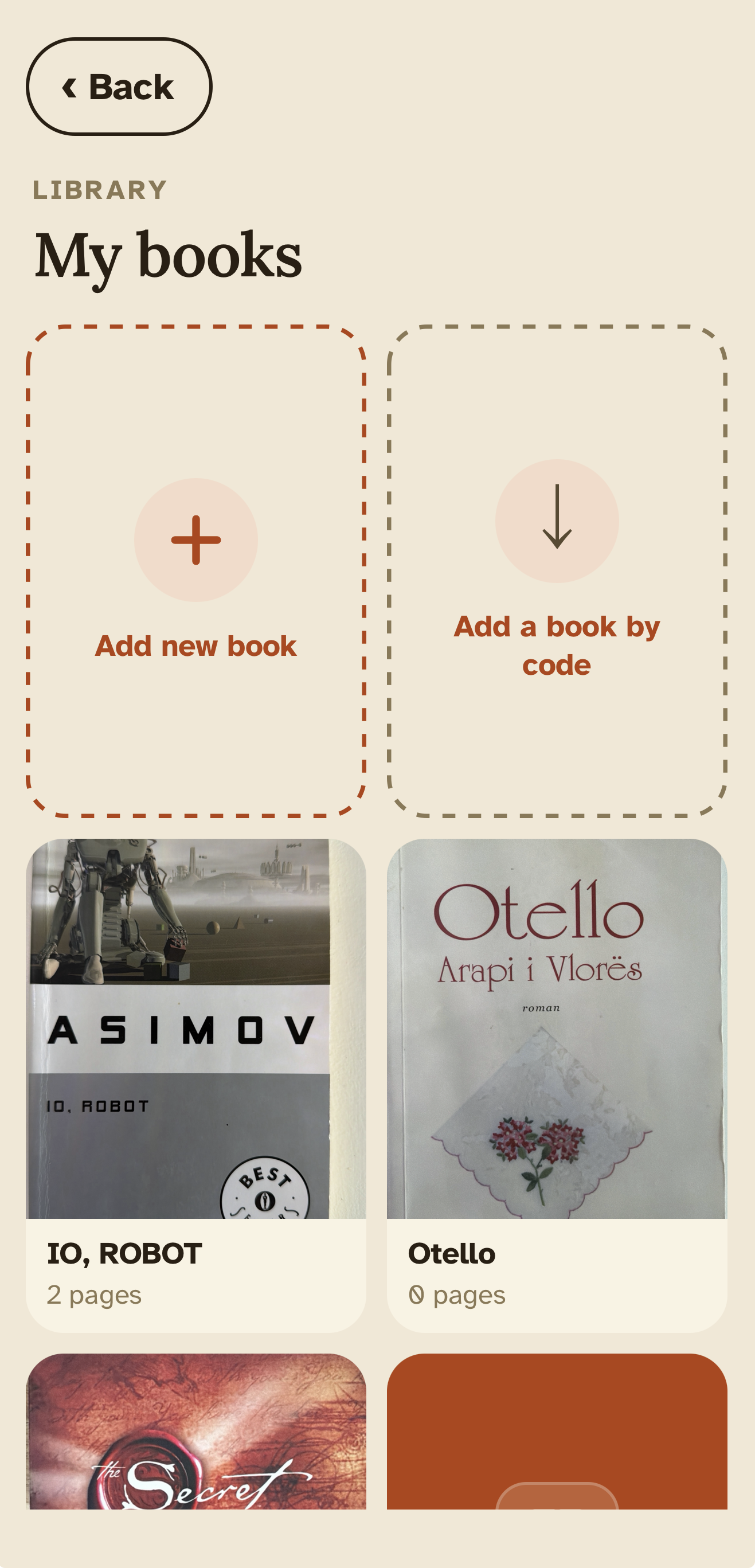
Your library
For people who still want to read.
Letters from family. Labels on medicines. The next chapter of a novel. Built for lifelong readers, older readers, multilingual families, and the people who set up apps for them.
- Readers who used to finish a book a week — and would again, if they could see it
- Parents and grandparents who miss reading aloud at home
- Anyone with macular degeneration, glaucoma, or presbyopia
- Multilingual families — read in one language, listen in another
- Travellers reading a foreign menu or a sign on the move
- Anyone who'd rather listen to a long article than scroll through it
The free app does most of it.
Premium is there for the days you want it to sound beautiful.
Subscribe to Premium with a top-up code or a monthly plan — coming soon. Read for Me is built for people who want to keep reading.
Have a question? Found a bug?
We're a small team and we read every message. Tell us what's working, what isn't, or what you'd love to see next.